
Day to dusk
Day-to-dusk exteriors without a second night shoot
Turn daytime elevations into evening marketing stills inside the same listing pack — capped, labeled, and ready for agent handoff.
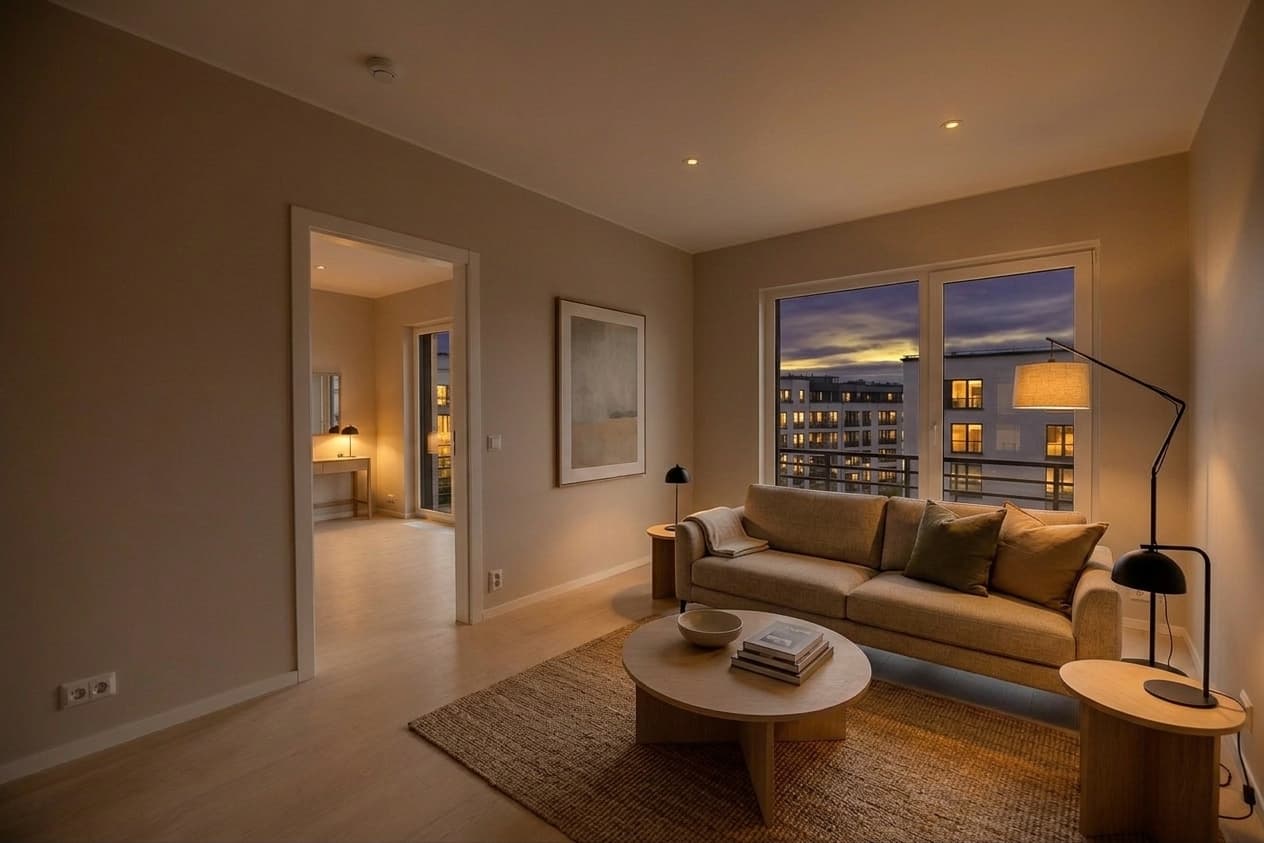
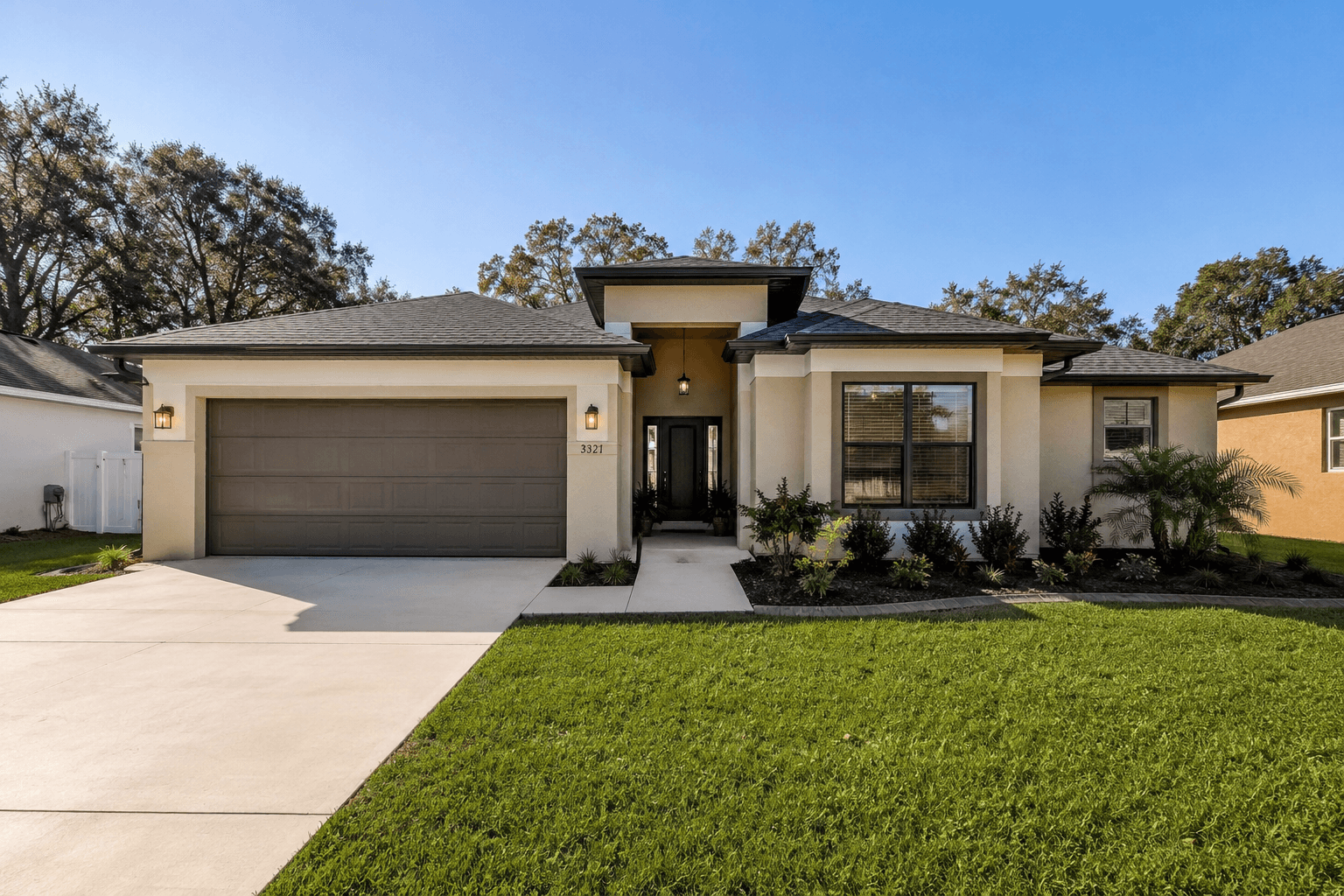
- Up to 2 day-to-dusk exterior edits per credit
- UI and API enforce exterior-only dusk selection
- Review dusk stills before continuing to clips
- Day to dusk disclosure on delivered files
Exterior-only, on purpose
Dusk this is available on exterior room types only, with a hard cap of two stills per listing. That keeps cost predictable and avoids wasting edits on interiors that should be staged instead.
Same pack, same review
Dusk runs after staging in production. When dusk or staged stills exist, you review them on the Generate step before clips continue — so twilight exteriors get the same human gate as interiors.
Labeled for portals
Dusk stills burn in Day to dusk (or combined disclosure when a frame is also staged). DISCLAIMER.txt ships in the ZIP so agents know how the marketing set was produced.
FAQ
Common questions
Straight answers on credits, deliverables, and MLS disclosure — updated August 2026.
- Can I dusk an interior photo?
- No. Day-to-dusk is limited to exterior room types so the edit matches twilight marketing intent and stays within the pack budget.
- How many dusk stills are included?
- Up to two per listing credit. Choose carefully on the strongest elevations.
- Will dusk photos be labeled?
- Yes. Delivered dusk stills include Day to dusk burn-in, and the ZIP includes DISCLAIMER.txt.
- Does dusk work with clips?
- When you continue the pack after review, clip sources prefer dusk → staged → original so motion can follow the evening still when you selected dusk.